Custom software
Software for the work nothing else covers
When no product fits how you work, we design and build it: web apps, client portals, internal tools and mobile apps, connected to the systems you already run.
Client portal · requests
- HService request: lobby furnitureHotel Lavanda
- UOrder status viewedUred Babić
- SDocument uploaded: signed offerStudio Marin
- ŠNew delivery date confirmedŠkola Jadran
What it is
Built for your process, not adapted to someone else’s
Buying is usually better than building. Custom software earns its place when the work is specific to your company, when it is what sets you apart, or when you have bent a spreadsheet as far as it will go. We keep the first version small, put it in front of real users and grow it from there.
- A first version that does one job well, in daily use early
- Connected to your CRM, ERP and other systems from the start
- Code, repository and documentation are yours
Your repository
POST /api/requests → validate the request → create a ticket in the helpdesk → link the customer in the CRM → notify the service team201 Created
What we deliver
What we build
Web applications
Browser-based tools for work that is specific to your company, with roles and permissions.
Client portals
A place where your customers see orders, documents and status, and send requests without emailing.
Internal tools
Replacements for the spreadsheet that grew into a system: scheduling, approvals, tracking, reporting.
Mobile apps
Apps for iOS and Android, for field teams or for your customers, built from one codebase.
APIs and integrations
The connections that let the new software exchange data with what you already run.
Code and documentation
A repository in your name, with tests, setup instructions and notes another team could work from.
On screen
Software shaped around one job
Sample data: a portal for your clients, a tool for the office and an app for the field.
Client portal
OrdersDocumentsSupport
- Order 0412In delivery
- Order 0409Packed
- ContractAwaiting signature
Approvals
RequestOwnerStatus
Purchase 118IvanApproved
Leave requestMartaWaiting
Discount 12PetraNeeds review
Purchase 117IvanApproved
Field app
Today · 4 jobs
- Boiler service08:30 · Split
- Install thermostat10:00 · Solin
- Leak inspection13:00 · Kaštela
- Annual check15:30 · Trogir
Go deeper
Dedicated pages for each part of this service
The kinds of software we build most often, each on its own page.
Client and partner portals
One place where clients see status, documents and invoices, and send requests without emailing.
Read moreInternal tools
Back-office apps that replace the spreadsheet everyone edits and nobody trusts.
Read moreMobile apps
iOS and Android apps for field teams and customers, from one codebase, connected to your systems.
Read moreHow a project runs
Discovery, design, build, launch
- 01
Discovery
We learn who will use it and for what, and agree the smallest version that is worth launching.
- 02
Design
Screens and flows are drawn and walked through with users before code is written.
- 03
Build and test
We build in short rounds and show working software at the end of each, with tests alongside.
- 04
Launch
It goes live with real users, monitoring and a plan for what comes after the first version.
What we build with
- Web
- Next.js, React, TypeScript
- Back end and data
- Node.js, PostgreSQL, REST APIs
- Mobile
- React Native
- Hosting
- AWS, Vercel, Your own infrastructure
If you already have a system or a codebase, we start from it. The list is what we use when starting fresh.
Should you build?
A good fit when…
- You have looked, and no product does what you need
- A spreadsheet or shared inbox has become a critical system
- Customers or partners need access to your data and status
- The process is part of what makes your company different
Probably not for you when…
- A product exists that covers most of the need
- The requirements are still changing week to week
- Nobody on your side can make decisions about it
- There is no plan for keeping it maintained after launch
Use cases
Where custom software is used
Problems that off-the-shelf tools do not solve.
An assistant that answers from your documents
Staff or customers ask in plain language and get an answer drawn from your documents, with the source shown.
Open use case OperationsBusiness automationCustom softwareNew colleagues ready on day one
Accounts, equipment, documents and first-week tasks set in motion from one form.
Open use caseExamples
What a custom build looks like
Illustrative scenarios, not client projects.
Sector stories
How this looks in your industry
Composite scenarios by sector, told from the first mapped process to daily use.
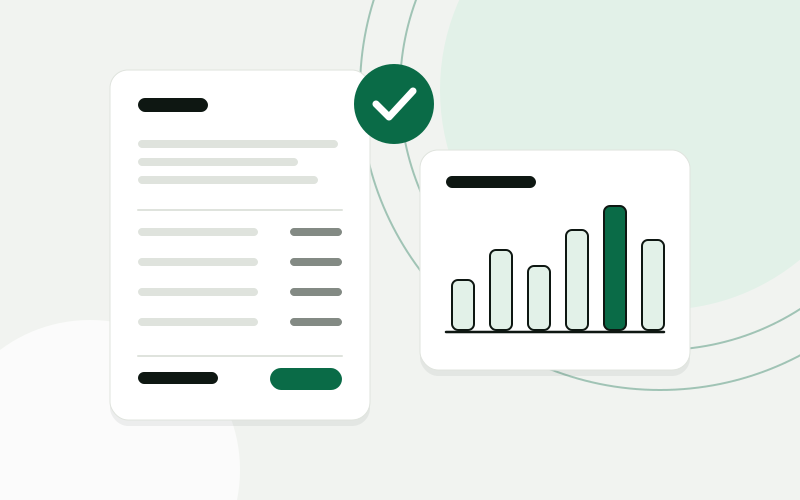 Accounting and bookkeepingClient documents collected, read and ready for the bookkeeperAn accounting office gets one place where clients hand in documents, an AI step that reads them, and a bookkeeper who confirms before anything is posted.Accounting office, 10 peopleRead the story
 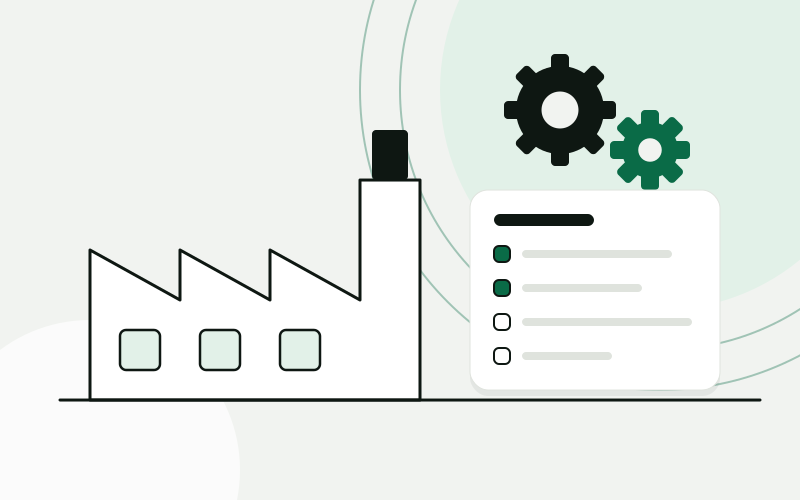 ManufacturingWork orders, materials and deadlines visible from office to shop floorA small manufacturer replaces spreadsheets and paper work orders with an ERP fitted to its production, and a tablet app the shop floor uses to report progress.Metal fabrication workshop, 35 peopleRead the story
 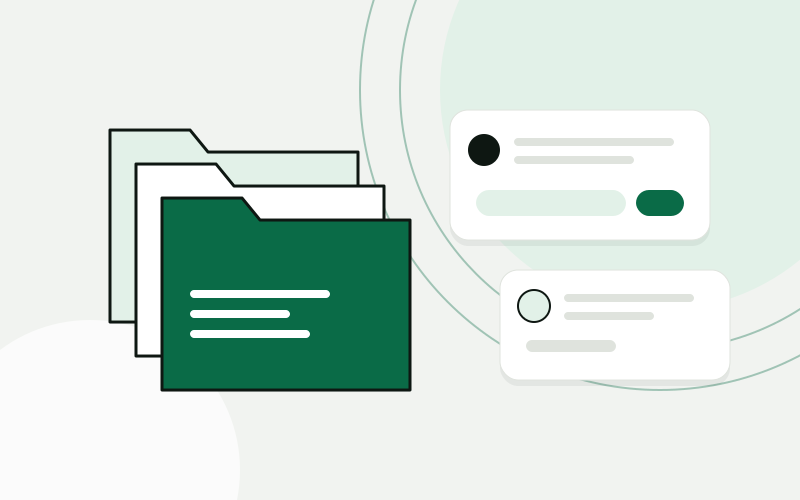 Professional servicesClients, documents and know-how in one place the whole office usesA law office gets a CRM built around its matters, a portal for clients, document intake that reads what arrives, and an assistant that answers from the office’s own documents.Law office, 14 peopleRead the story
 Questions about custom software
Who owns the code?
You do. It lives in a repository in your name from the first day, along with the documentation and the accounts it runs on.
How do we know when to buy instead of build?
We ask that question in the analysis. If a product covers the need, we say so and help you set it up or connect it. Building is for what is left.
How do you keep the scope under control?
By agreeing a first version small enough to describe on one page, with a written definition of done. Anything that comes up later goes on a list for the next round and is not slipped in.
Can you take over or extend existing software?
Often. We review the code first and tell you what state it is in, what can be kept and what would need rework.
What happens after launch?
Software needs updates, fixes and small changes. That is covered by a care agreement, or by your own team using the documentation we hand over.
Show us one process. We will show you what it could look like.
The analysis is free, takes about an hour of your time, and ends with a written summary you keep.
Prefer to read first? See examples