Business automation
Stop copying data between tools
We build workflows that pick up where one system ends and the next begins: the enquiry into the CRM, the order into the ERP, the invoice into the books.
Order to invoice
- WebshopNew order placedOrder #10482
- ERPStock reservedThree lines
- AccountingInvoice createdSent to the customer
- CourierShipping label requested
- ChatWarehouse notified
What it is
The work between your systems, done by the systems
Most companies already have good tools. What they lack is the link between them, so people become the link: reading an email, opening another tab, typing the same thing again. Automation pays off where that happens many times a day and follows the same rules each time.
- Best for work that is frequent, rule-based and spread across tools
- A person stays in the loop for exceptions and approvals
- Every run is logged, so you can see what happened and when
Recent runs
- Enquiry to CRMContact and deal createdOK
- Order to invoiceInvoice sent to the customerOK
- Supplier invoice intakeMatched and sent for approvalOK
- Weekly sales summaryEmailed to the teamOK
What we deliver
A workflow you can rely on, not a demo
Process map
The steps as they run today, who does each one and in which tool, written down before anything is built.
Built workflows
The automation itself, in n8n, Make, Zapier or code, depending on what your tools and volume call for.
Integrations
Connections to the systems involved, through their own integrations where they exist and their APIs where they do not.
Error handling
Retries, checks for duplicates and a clear alert to a named person when a run fails, so nothing is lost quietly.
Approval steps
A person confirms before anything costly or customer-facing goes out, where you decide that is needed.
Documentation and handover
What each workflow does, where it runs and how to change it, plus a walkthrough for the people who use it.
On screen
What an automation looks like once it runs
Sample data, real shapes: the workflow, the run overview and the alert your team gets.
Workflow · new enquiry
- Web formEnquiry sent
- n8nCheck and enrich
- CRMFind the company
- NewCreate contact and deal
- KnownNotify the account owner
Runs · today
WorkflowLast runStatus
Enquiry to CRM2 min agoOK
Invoice sync14 min agoOK
Order export09:12Retried
Stock report07:00OK
Weekly digestMondayScheduled
Alerts
- Webshop did not answer, retryingOrder export
- Second attempt succeededOrder export
- 18 invoices matchedInvoice sync
Go deeper
Dedicated pages for each part of this service
The platforms we build automations on, each with its own page.
How a project runs
From a mapped process to a workflow in daily use
- 01
Map
You show us the process. We write down every step, the tools, the exceptions and where it waits.
- 02
Scope
We agree which part to automate first, what done means and what stays with a person.
- 03
Build and test
We build in your accounts and test with real examples, including the awkward ones.
- 04
Launch and watch
It goes into daily use. We watch the first runs closely and adjust what real data turns up.
What we build with
- Workflow platforms
- n8n, Make, Zapier
- When a platform is not enough
- Custom scripts, REST APIs, Webhooks, Scheduled jobs
- What we commonly connect
- Gmail and Outlook, Google Sheets and Excel, Slack and Teams, Webshops, CRM, ERP, Accounting
We start from what you already have. The list is what we reach for when something is missing, not a stack you have to adopt.
Is automation the right place to start?
A good fit when…
- The same data is typed into more than one system
- The work follows rules a person could write down
- It happens often enough that the delay is felt
- The tools involved have an API or an integration
Probably not for you when…
- The process changes every time it is done
- It happens a few times a year
- Nobody agrees yet how the process should run
- The tool at the centre cannot be connected to anything
Use cases
Where automation is used
Problems that are usually solved by connecting tools you already have.
Every enquiry in the CRM, without retyping
Enquiries from forms, email and chat become contacts and deals in your CRM, with the right person notified.
Open use case SalesBusiness automationCRM implementationQuotes drafted from your price list
A quote is drafted from the deal, your price list and current stock, and waits for a salesperson to approve it.
Open use case SalesCRM implementationBusiness automationNo open quote left without a follow-up
The CRM reminds the owner, drafts the follow-up and shows which deals have gone quiet.
Open use case SalesCRM implementationBusiness automationA sales report nobody has to build
Pipeline, won and lost deals and activity, delivered on a schedule straight from the CRM.
Open use case Finance and adminAI integrationsBusiness automationSupplier invoices read, matched and ready to post
Incoming invoices are read, matched to purchase orders and sent for approval before they reach the books.
Open use case Finance and adminAI integrationsBusiness automationData out of documents, into your systems
Contracts, forms, delivery notes and statements are read and their data placed where it is needed.
Open use case Finance and adminBusiness automationERP and business systemsOverdue invoices chased politely and on time
Reminders go out on a schedule from your open invoices, and the awkward cases go to a person.
Open use case Finance and adminBusiness automationAI integrationsThe monthly report, assembled for you
Figures from accounting, sales and operations pulled into one report on a schedule, with a written summary.
Open use case Customer supportAI integrationsBusiness automationA support inbox that sorts itself
Incoming messages are sorted by topic and urgency, routed to the right person and given a draft reply.
Open use case Customer supportBusiness automationAI integrationsCustomers check their order without writing to you
Order and delivery status available on your site or by reply, pulled live from the shop and the courier.
Open use case OperationsBusiness automationERP and business systemsOrders that reach the warehouse on their own
An order placed in the shop or by email appears in the ERP, on the pick list and with the courier, entered once.
Open use case OperationsERP and business systemsBusiness automationOne stock figure in every system
Stock levels kept in step between the warehouse, the ERP and every sales channel.
Open use case OperationsBusiness automationCustom softwareNew colleagues ready on day one
Accounts, equipment, documents and first-week tasks set in motion from one form.
Open use caseExamples
What an automation build looks like
Illustrative scenarios, not client projects.
Sector stories
How this looks in your industry
Composite scenarios by sector, told from the first mapped process to daily use.
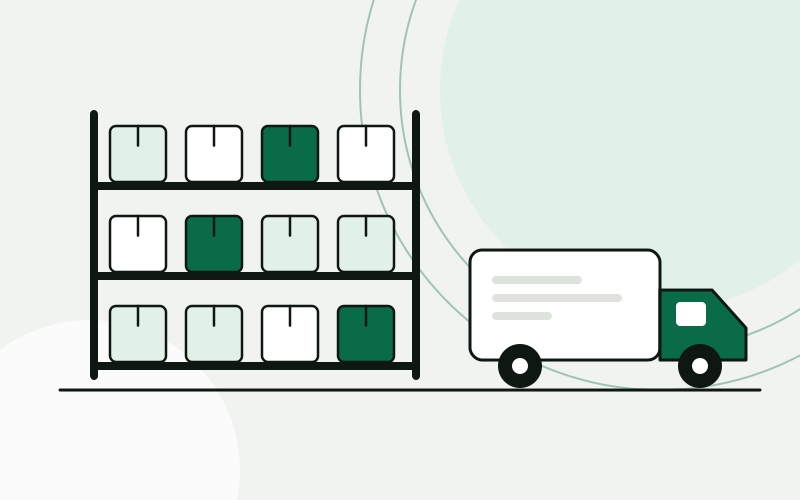 Wholesale and distributionStock, purchasing and quotes that run on one set of numbersA distributor moves stock, purchasing and sales into one ERP, connects the B2B portal to it, and gets quotes drafted from live prices and stock.Building-materials distributor, 25 peopleRead the story
 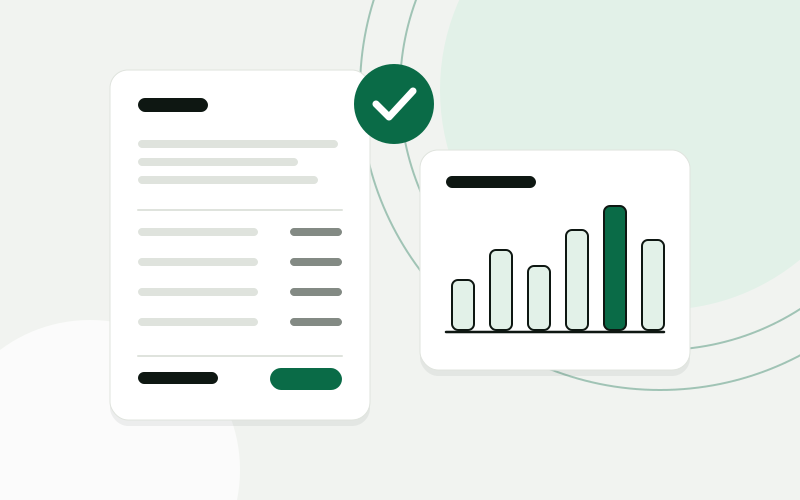 Accounting and bookkeepingClient documents collected, read and ready for the bookkeeperAn accounting office gets one place where clients hand in documents, an AI step that reads them, and a bookkeeper who confirms before anything is posted.Accounting office, 10 peopleRead the story
  E-commerce and retailFrom paid order to shipped parcel without copying dataAn online store connects the webshop, the warehouse, the courier and support, so an order moves on its own and customers can check its status themselves.Online store with its own warehouse, 15 peopleRead the story
 Tools
We build with the tools you already know
Open platforms and widely used products, chosen for the job and connected to each other.
- n8n
- Make
- Zapier
- Claude
- OpenAI
- Pipedrive
- HubSpot
- Zoho CRM
- Salesforce
- Odoo
- Shopify
- WooCommerce
- Google Workspace
- Microsoft 365
- Slack
- WhatsApp Business
- PostgreSQL
- Next.js
- React
- TypeScript
- Node.js
- Expo
- Payload CMS
- AWS
Questions about automation
Which platform do you use: n8n, Make or Zapier?
It depends on what you already use, how much data moves and where it has to be hosted. If you have one of them in place, we normally keep it. If not, we recommend one after the analysis and explain why.
What happens when a workflow fails?
Failures are expected and planned for. Each workflow retries where that is safe, and otherwise alerts a named person with what failed and on which record, so it can be picked up by hand.
Whose accounts do the workflows run in?
Yours. You own the accounts, the workflows and the documentation. We work in them with access you can remove.
Can you automate a tool that has no API?
Sometimes, through exports, email or a shared folder. It is usually more fragile, and we will say so. Where a tool cannot be connected reliably, we tell you before building around it.
Will we be able to change the workflows ourselves?
Yes, if you want to. The documentation explains how each one works, and we can show a person on your team how to make common changes.
Show us one process. We will show you what it could look like.
The analysis is free, takes about an hour of your time, and ends with a written summary you keep.
Prefer to read first? See examples