Marketing and creative agencies
From proposal to invoice without rebuilding the project by hand
An agency connects its CRM, project tool, time tracking and billing, gives clients a portal for approvals and gets the monthly report for each client prepared automatically.
Digital agency, 15 people
Proposal accepted
- CRMDeal marked as wonScope and budget from the proposal
- PProjectProject created from a templateTasks and deadlines filled in
- TimeBudget set per phase
- PortalClient invitedAccess to approvals and files
- BillingInvoice schedule prepared
The build at a glance
The sector
An agency sells time and ideas, and both are hard to keep track of.
A lead becomes a proposal, the proposal becomes a project, the project produces hours and deliverables, and those end up on an invoice and in a report. Each step usually lives in its own tool, chosen by the team that uses it. The joins between the tools are where the account manager spends the day: recreating the project, chasing approvals, pulling numbers for the client. The more clients on retainer, the more of the month goes on that.
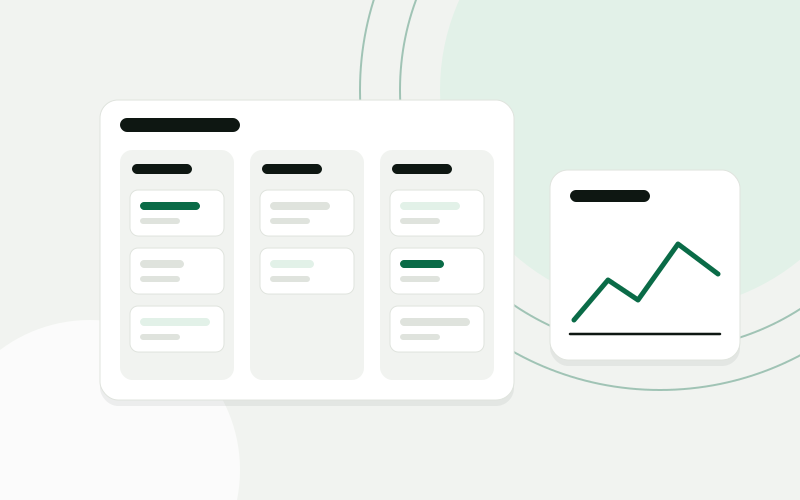
Where the time goes
Proposals were written in documents and their scope was retyped into the project tool after the client said yes. Hours were tracked, but they were compared with the budget only at the end of the month. Client approvals came by email, in chat and in comments, and it was not always clear which version had been approved. Monthly reports were assembled from screenshots of several platforms. A new client or a new colleague was set up from memory, with something forgotten each time.
Won proposals are rebuilt by hand as projects
Budget overruns are noticed when the invoice is being written
Approvals are scattered across email, chat and comments
Monthly client reports are assembled from screenshots
One system around how the work is done
Budget used per client this month
- 01
A won deal creates the project: tasks from a template, budget per phase and the team notified
- 02
Enquiries from the website and email captured in the CRM, with a proposal drafted from your service list for the account manager to finish
- 03
Tracked hours compared with the budget as they are logged, with a warning before a phase runs over
- 04
A client portal for approvals: each deliverable has a version, a comment thread and a recorded decision
- 05
Approved hours and fixed fees handed to billing as draft invoices at the end of the period
- 06
A monthly reporting pack per client, collected from the advertising and analytics platforms, with space for the account manager’s commentary
- 07
Onboarding checklists for new clients and new staff, which create accounts, folders and first tasks
How the project runs
Four steps, one process at a time
- 01
Map the process
We follow two clients, one on a retainer and one project, from the proposal to the invoice and the report, through every tool involved.
- 02
Pilot one process
The step from a won deal to a ready project goes live first, for one service line.
- 03
Extend
Budget tracking and the handover to billing follow, then the client portal and the reporting pack.
- 04
Care
We keep the connections to the advertising and analytics platforms working as they change, and update templates as your services do.
What changes for the team
- The scope in the proposal is the scope in the project
- A phase that is about to run over is seen in time to talk to the client
- Every approval has a version and a date
- Reporting days are spent on commentary instead of collecting numbers
A project starts with its scope, budget and team already in place. Account managers see where the budget stands during the month, not after it. Clients approve work in one place, and the report for each of them is prepared and waits for commentary.
A composite scenario based on typical projects in this sector. It does not describe a named client, and the sample data is illustrative.
The same working day, before and after
What a few ordinary moments look like once the system is in daily use.
Questions from this sector
We like the tools we have. Do we have to change them?
No. The point is to connect what you use. We replace a tool only if it cannot be connected at all, and we say so before any work starts.
Will clients actually use a portal?
They do when it is simpler than email. The portal asks for one thing, a decision on a specific version, and sends a link that opens straight to it. Clients who prefer email can still reply, and the decision is recorded by the account manager.
Does the reporting pack write the commentary too?
It can draft a summary of what changed in the figures, marked as a draft. The account manager writes or edits the conclusions, because they know what was agreed with the client.
We work with freelancers. Can they be included?
Yes. Freelancers can log hours and see their tasks with limited access, and the onboarding checklist covers their accounts and agreements too.
Use cases in this story
Every enquiry in the CRM, without retyping
Enquiries from forms, email and chat become contacts and deals in your CRM, with the right person notified.
Open use case Business automationAI integrationsThe monthly report, assembled for you
Figures from accounting, sales and operations pulled into one report on a schedule, with a written summary.
Open use case Business automationCustom softwareNew colleagues ready on day one
Accounts, equipment, documents and first-week tasks set in motion from one form.
Open use caseMore sector stories
 Wholesale and distributionStock, purchasing and quotes that run on one set of numbersA distributor moves stock, purchasing and sales into one ERP, connects the B2B portal to it, and gets quotes drafted from live prices and stock.Building-materials distributor, 25 peopleRead the story
  Accounting and bookkeepingClient documents collected, read and ready for the bookkeeperAn accounting office gets one place where clients hand in documents, an AI step that reads them, and a bookkeeper who confirms before anything is posted.Accounting office, 10 peopleRead the story
  E-commerce and retailFrom paid order to shipped parcel without copying dataAn online store connects the webshop, the warehouse, the courier and support, so an order moves on its own and customers can check its status themselves.Online store with its own warehouse, 15 peopleRead the story
 Show us one process. We will show you what it could look like.
The analysis is free, takes about an hour of your time, and ends with a written summary you keep.
Prefer to read first? See examples